What Are Asynchronous USB and Jitter? Does Clock Jitter Really Affect Sound Quality (KEYSION 02 Pro Test)
Let us be clear about the conclusion first: jitter is a real timing error in digital audio, but on modern DACs it has usually been pushed to a level you cannot hear. This article is for anyone who sees terms like asynchronous USB or femtosecond clock and is unsure whether to spend money on them. The key point is one sentence: asynchronous USB settles who controls the data rhythm, while the digital glare or muddiness most people hear actually comes from the source, the earphones, and the noise floor, not from a few picoseconds of jitter.
Digital audio relies on a sample clock to decide when each sample point is reconstructed. In theory the clock intervals are evenly spaced; in a real circuit there are tiny advances or delays, and that timing deviation is jitter, commonly measured in picoseconds (ps, one trillionth of a second). Sources include USB transfer scheduling, the phase noise of the clock crystal itself, and interference on the power and ground lines. Jitter makes sample points land at the wrong moment, and the reconstructed waveform picks up small distortions as a result.
There are three data transfer methods, and the difference lies in who controls the data rhythm.
| Mode | Who controls the data flow | Clock source | What it means |
|---|---|---|---|
| Synchronous | Computer | Follows the USB frame clock | Jitter is inherited directly from the computer side; simple to implement and common on older devices |
| Adaptive | Computer, with fine adjustment from DAC feedback | Feedback correction on the DAC side | Better than synchronous, but the feedback loop itself introduces residual jitter |
| Asynchronous | DAC | DAC's local high-precision clock | The DAC actively pulls the data, the clock sits near the decoding chip, and jitter is lowest |
The point of asynchronous mode is not that it is more advanced, but that it places the timing clock as close as possible to the DAC chip, cutting contamination from the intermediate stages. This is also why most portable decoders (such as KEYSION S2, /product/h-turbo-s2) use asynchronous USB.
This is the part most easily blurred by marketing. The figures more often cited in the industry are: at 16bit audio, jitter below about 100 ps RMS is essentially inaudible; at 24bit the threshold may drop to about 20 ps RMS. Measured jitter in modern DACs is generally below 50 ps RMS, and well-made ones can get under 10 ps. In other words, the jitter of most competent devices already falls into the inaudible range.
| Device class | Typical jitter level | What it means |
|---|---|---|
| Generic USB-to-I2S solution | about 1-5 ns | roughly equal to 1000-5000 ps; in theory it may approach the edge of audibility |
| Mainstream asynchronous DAC | usually < 50 ps RMS | already clearly below the audible threshold for 16bit |
| High-end asynchronous solution (XMOS and similar) | often below 10 ps | far beyond the audible threshold for 24bit, i.e. headroom |
1 ns = 1000 ps. The figures above are orders of magnitude from public measurements and industry reviews, and different test conditions will vary.
Not necessarily, though it points in the right direction. Asynchronous USB lowers jitter on the condition that the DAC's local clock is itself clean; if clock quality is poor, asynchronous just moves the jitter to another spot. Once jitter is below the audible threshold, pushing it lower does not make the sound better — it merely removes one possible source of distortion. Pouring the whole budget into a femtosecond clock while using poorly sealed tips or a source chain with a high noise floor yields close to zero benefit.
Look at symptoms before specs. Jitter-related distortion often shows up as harsh treble, a muddy soundstage, or complex passages blurring together, but the same impression can also come from the noise floor, the earphones themselves, or source compression. A more practical troubleshooting order is: switch to a lossless source, switch earphones, then switch the source chain, ruling things out one at a time. If the sound gets clearly cleaner after changing the source chain, only then is it worth discussing USB mode and clocks. To brush up on the basics first, read the DAC digital filter article (/blog/dac-digital-filter-settings-guide) and the sample rate article (/blog/sample-rate-resampling-guide).
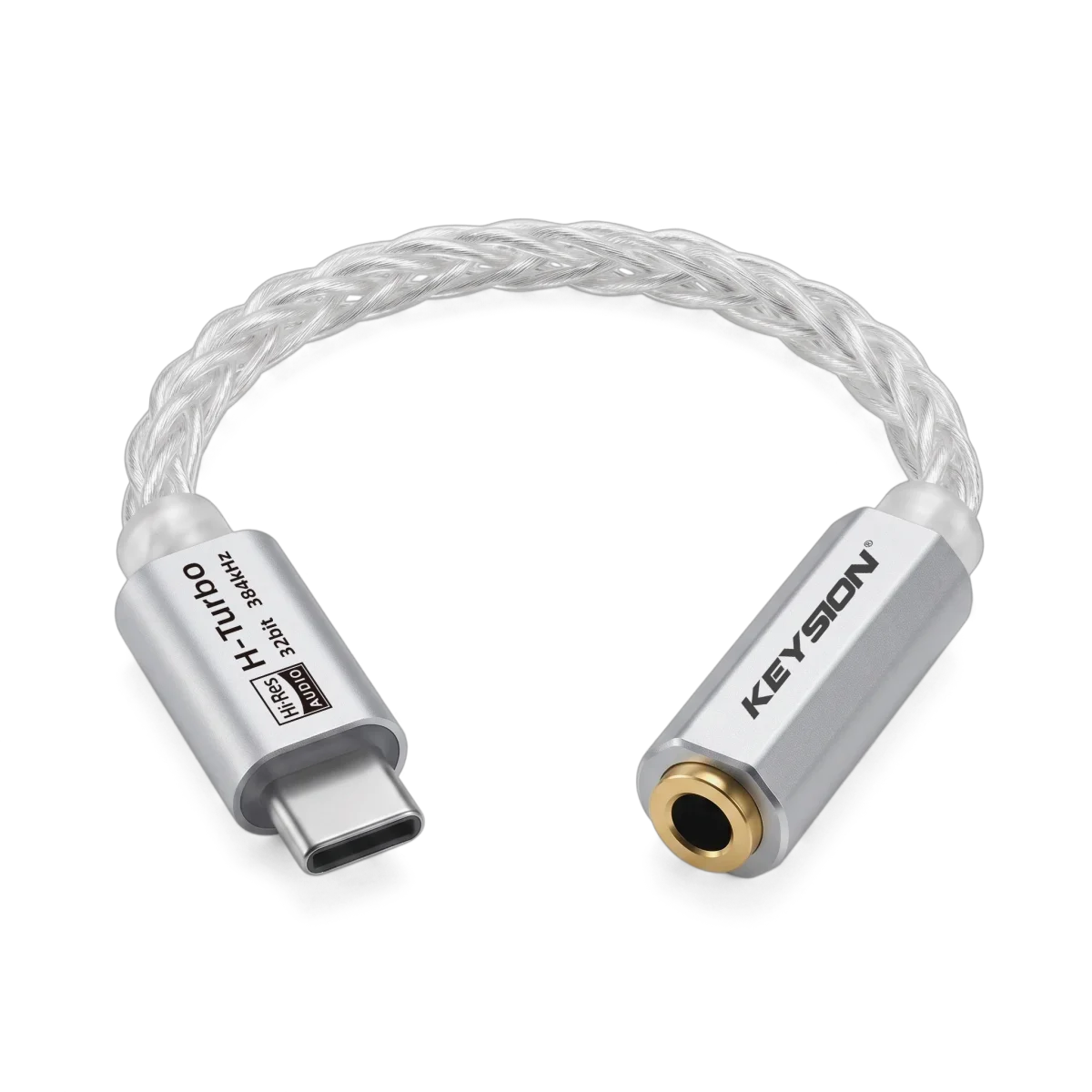
If you are choosing a portable decoder, the KEYSION 02 Pro (/product/kshf-02-pro) and 01 (/product/kshf-01) both use an asynchronous USB architecture, and their ports and decoding specs are on the product pages. To understand another variable beyond jitter, compare with the OTG cable article (/blog/otg-cable-quality-dongle-guide) — cables mainly affect power delivery and contact, not picosecond-level clocking.
About the author: Compiled by the KEYSION Audio Lab. Jitter thresholds and measured data reference orders of magnitude from public industry measurements and reviews, not a single model; real audibility depends on the source, earphones, and listening environment, so judge by your own system.
FAQ
What exactly is jitter, and can you hear it?
Jitter is a timing deviation of the sample clock, commonly measured in picoseconds. Measured jitter in modern DACs is mostly below 50 ps RMS, already under the roughly 100 ps audible threshold for 16bit, so on normal devices you basically cannot hear it.
Does asynchronous USB sound better than synchronous USB?
In direction, yes, because it places the clock near the DAC chip and reduces jitter. But it assumes the local clock is itself clean; if the clock is poor, asynchronous just moves the jitter elsewhere.
Do you need to pay more for a femtosecond clock?
If the device jitter is already below the audible threshold, lowering it further will not make the sound better. On a limited budget, earphones, sealing, and the source give more direct returns.
Can changing the USB cable reduce jitter?
The effect is small. A USB cable mainly affects power delivery and contact reliability; in an asynchronous DAC the data is controlled by the local clock, and the cable itself will not significantly change picosecond-level clock quality.
How do I tell whether my system has a jitter problem?
Switch to a lossless source, then to other earphones and another source chain, ruling things out one at a time. Only if the treble gets clearly cleaner after changing the source chain is it worth considering USB mode and clocks.
Related products
Related articles